Thermal reports in your own format, built with you.
If you send thermal reports to clients, they should look like they came from your business. There are two ways we can set that up, depending on where you write your reports: on your computer in FLIR Thermal Studio Pro, or on a FLIR iXX camera with SwitchReport.
Priority code P1 to P4 given on the spot from the ΔT
–
–
–
–
✓
✓
Write full observations in the field on the camera
–
–
–
–
✓
✓
Record voice notes on the camera
–
–
✓
✓
–
–
Create a folder to save images into
✓
✓
✓
✓
✓
✓
Buildings, floors and rooms organised into folders on the camera
–
–
–
–
✓
✓
Manage customers and sites on the camera
–
–
–
–
✓
✓
Software
FLIR Thermal Studio Suite
✓
✓
✓
✓
✓
✓
SwitchReport Plus
–
–
–
–
✓
✓
Customer management dashboard on the web
–
–
–
–
✓
✓
Unlimited sites per customer
–
–
–
–
✓
✓
P4 log-only report options
–
–
–
–
✓
✓
Image editing
Radiometric image editing (emissivity and parameters)
✓
✓
✓
✓
✓
✓
Spot and box measurements
✓
✓
✓
✓
✓
✓
Visual and thermal image side by side
✓
✓
✓
✓
✓
✓
Import radiometric files from a folder
✓
✓
✓
✓
✓
✓
On your computer
Custom templates for FLIR Thermal Studio Pro
We build custom report templates for Thermal Studio Pro with your logo, your layout and the fields your clients expect to see. Not only that, the product is fully automated giving colour coded priority codes and populating the scheduling table in full.
How it works
Order the template with your Flir 320×240 pixel camera and thermal studio software.
Our software specialist gets in contact with you to get the information for your report, like your logo and cover page credentials.
We build your automated template and get it back to you, and it’s ready by the time your camera arrives in the mail.
Once it’s in place, your reports come out in that format every time. Custom templates work with Thermal Studio Pro, so if you’re on Standard, talk to us about moving up to Pro.
Camera, software and template together
Reporting packages
Each package pairs a FLIR camera with Thermal Studio Pro and a custom report template built for your business, so your first report goes out in your own format.
Core package
FLIR C8 package
The C8 is the core package, for the business that scans its boards once or twice a year. It gives you a 320 × 240 thermal image with MSX in a pocket-sized camera.
FLIR C8 thermal camera
FLIR Thermal Studio Pro
Your custom report template
320 × 240 IR · 5 MP visual camera · −20 to 450 °C · 200 g
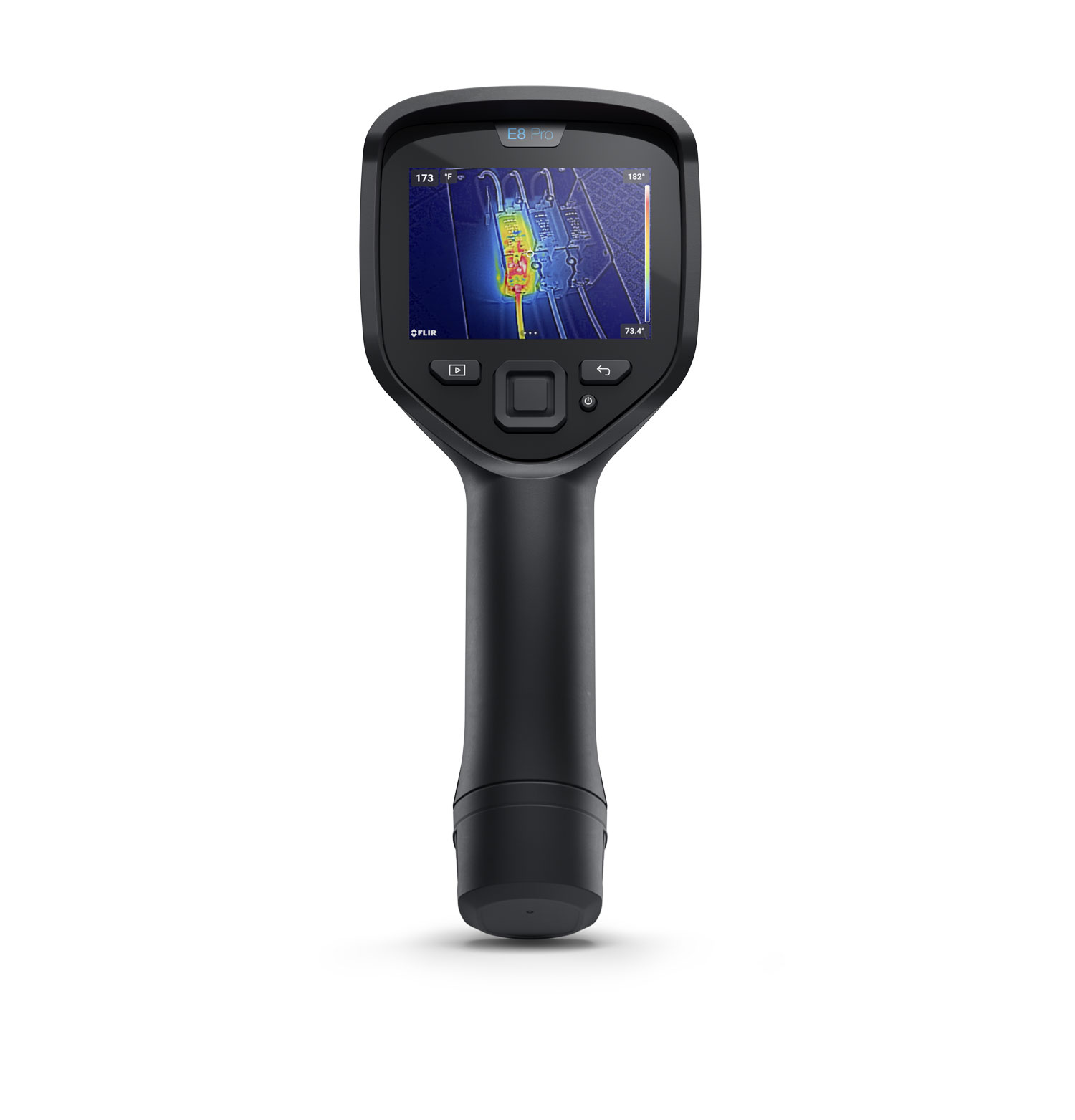
A rugged point-and-shoot camera, made for scanning boards day in, day out. It’s focus free, so you point it at the board and capture, and the touchscreen and MSX make each hot spot easy to place. It comes with its own hard-shell case.
FLIR E8 Pro thermal camera with hard-shell case
FLIR Thermal Studio Pro
Your custom report template
320 × 240 IR · < 40 mK · −20 to 550 °C · 33° × 25° field of view · focus free
The E54’s 24° lens has a narrower field of view, so it handles the scans you have to take from a distance. Manual focus lets you sharpen the image yourself, for crisp thermal images in the report.
FLIR E54 thermal camera
FLIR Thermal Studio Pro
Your custom report template
320 × 240 IR, 307,200 px with UltraMax · < 40 mK · −20 to 650 °C · 24° lens · manual focus
The E76 comes with a wide-angle 42° lens, good for close-up work in hallways and tight switchrooms. Its lenses are interchangeable, with extra options including dual field of view, so one camera can cover many types of scan.
The package is available with any E76 lens option.
FLIR E76 thermal camera
FLIR Thermal Studio Pro
Your custom report template
320 × 240 IR, 307,200 px with UltraMax · < 30 mK · −20 to 650 °C · 42° lens · interchangeable lenses
Enter your business details once, and every report carries them. The camera fills in its own model and serial number, so you only add the calibration date.
Add your thermographer
Add your thermographer’s credentials once: name, role, category, certifying body and certificate number. Every report carries them from then on.
Create your customers
Add a customer and their contact person right on the camera. Once the camera syncs, the same customer is there when you open SwitchReport in your browser.
Enter unlimited sites
Give each customer as many sites as they have, each with its own address. Every inspection you start is filed under the right one.
Smart directories
Build the inspection directory on the go, with buildings, levels and rooms. Single clicks do the structuring so you work faster, and different site types get their own unique options.
Graded before you move on
The priority lands on the capture screen with the reading that produced it. You name the board and keep going, and the grading is already done.
Your inspection snapshot
Always know where you’re up to. At any time during the inspection you can see your directory, what’s scanned into where, and its priority code.
On the web…
Stop typing, just edit
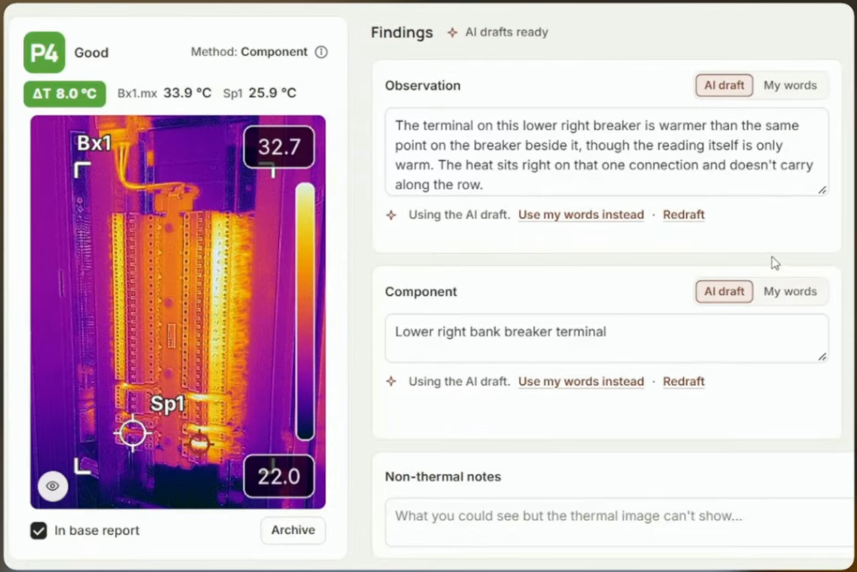
AI drafting for the board description, the component and the thermal observation. You don’t spend the time typing, you spend it approving.
In the browserAI notations
Analysis that makes sense
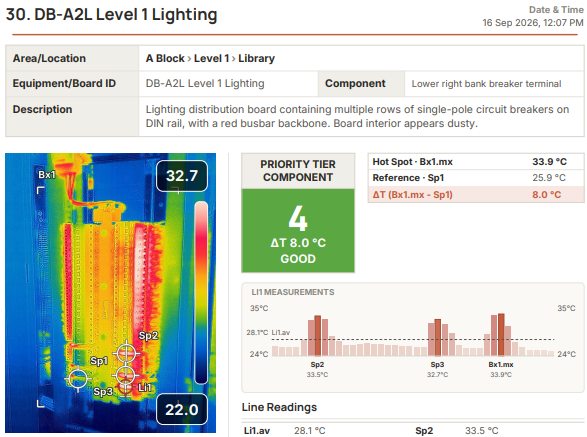
Your findings laid out the way your customer reads them: every board, where it is, its measured ΔT and its priority. Nothing padding the page.
Each package pairs a FLIR app-enabled camera with a year of SwitchReport Plus, so you can scan, grade and finish reports from day one.
SwitchReport package
FLIR i34 SwitchReport package
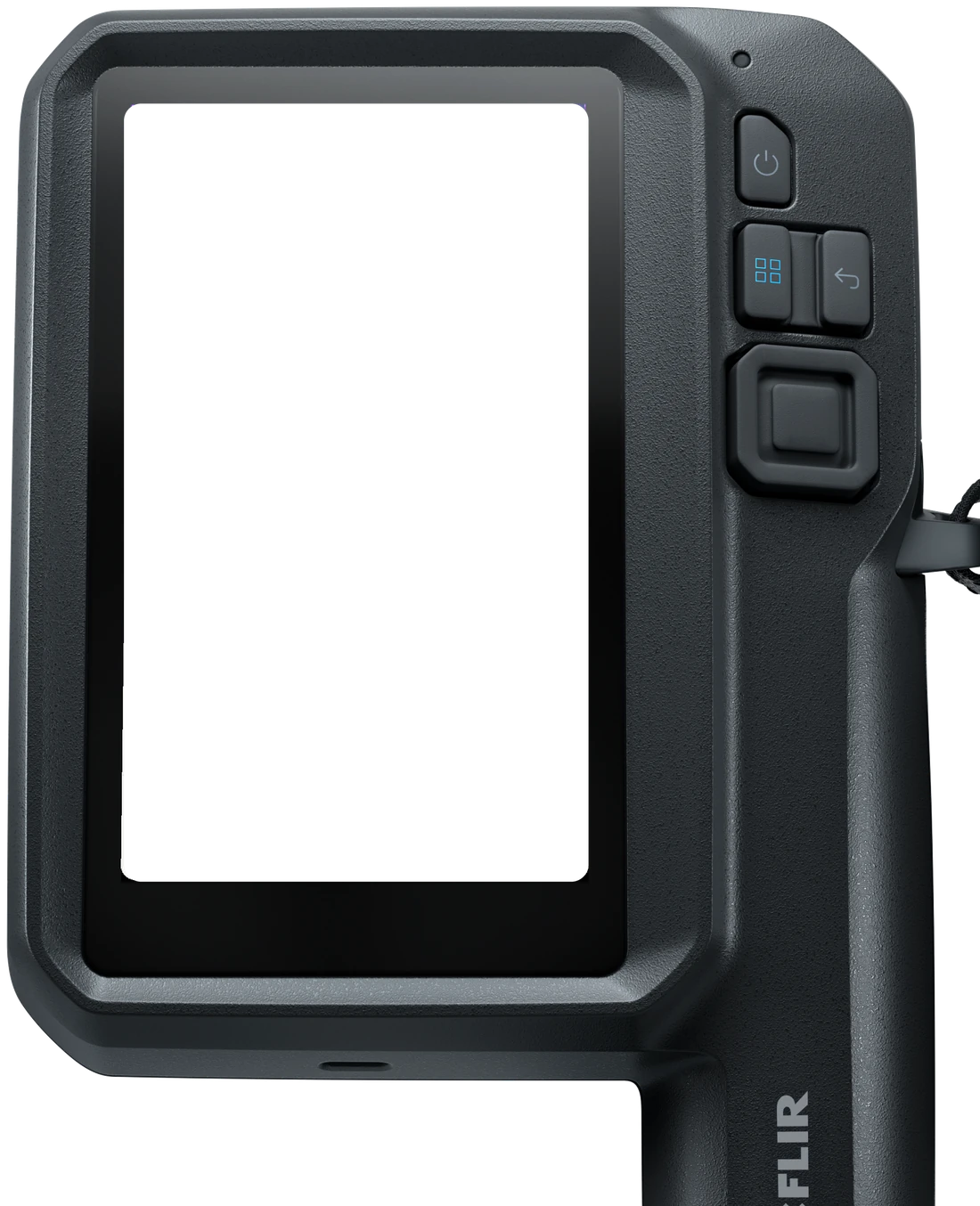
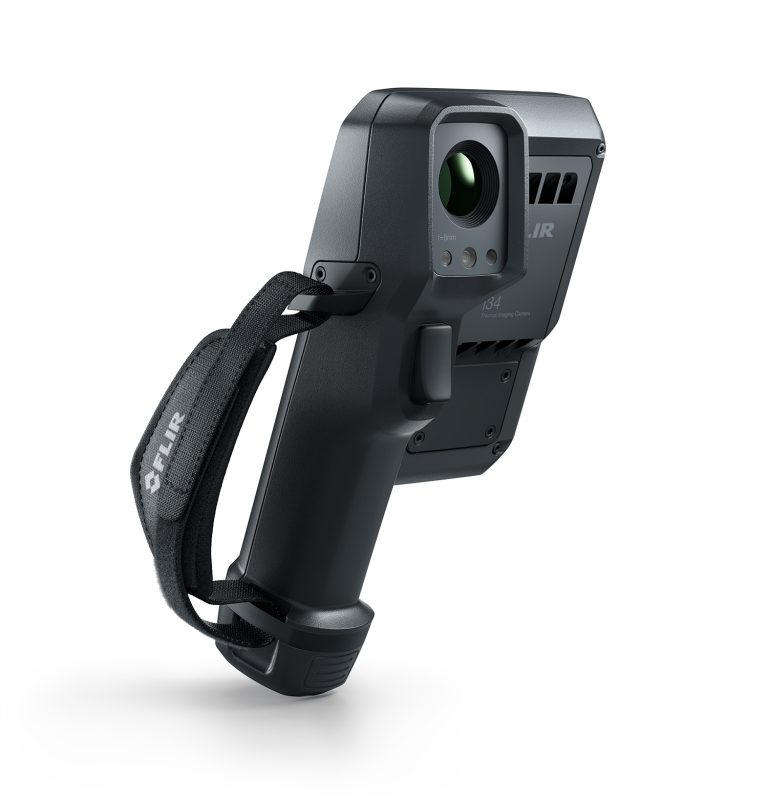
The i34 is the way in to SwitchReport. It gives you a 240 × 320 thermal image on a 5-inch touchscreen, and SwitchReport runs on the camera itself, so you build the directory, scan and grade each board on site.
FLIR i34 app-enabled thermal camera
SwitchReport Plus, 12-month subscription
240 × 320 IR · 40 mK · −20 to 450 °C · 5-inch touchscreen
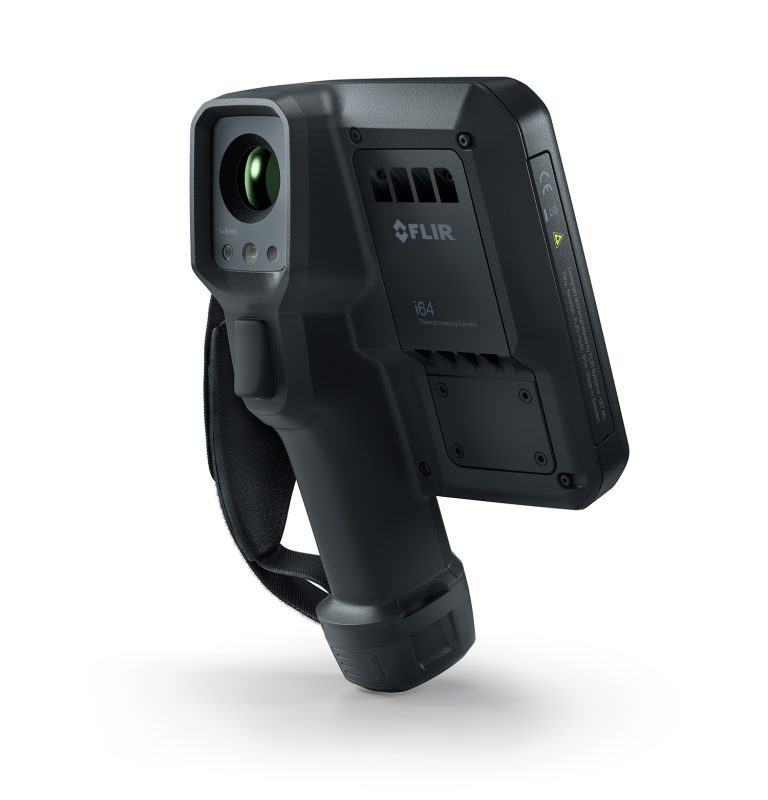
The i64 has four times the pixels of the i34, at 480 × 640, so every finding in the report carries more detail. It suits bigger sites, boards you scan from further back and businesses where thermography is a large part of the work.
FLIR i64 app-enabled thermal camera
SwitchReport Plus, 12-month subscription
480 × 640 IR · 40 mK · −20 to 550 °C · 5-inch touchscreen
SwitchReport’s bespoke add-on rebuilds your report so it matches the documents you already use, in your own layout. It’s for Plus subscribers, quoted per document set, and includes one free revision a year.
What you need: a FLIR i34, i35, i64 or i65 and a SwitchReport subscription. We sell all four cameras, each with free training.
Using SwitchReport doesn’t make a report compliant with any standard. Check the priority coding meets what your client or insurer needs before you send a report.
Talk to us about your reports
Call Dylan on 0457 447 236 or fill in the form, and we’ll come back to you.