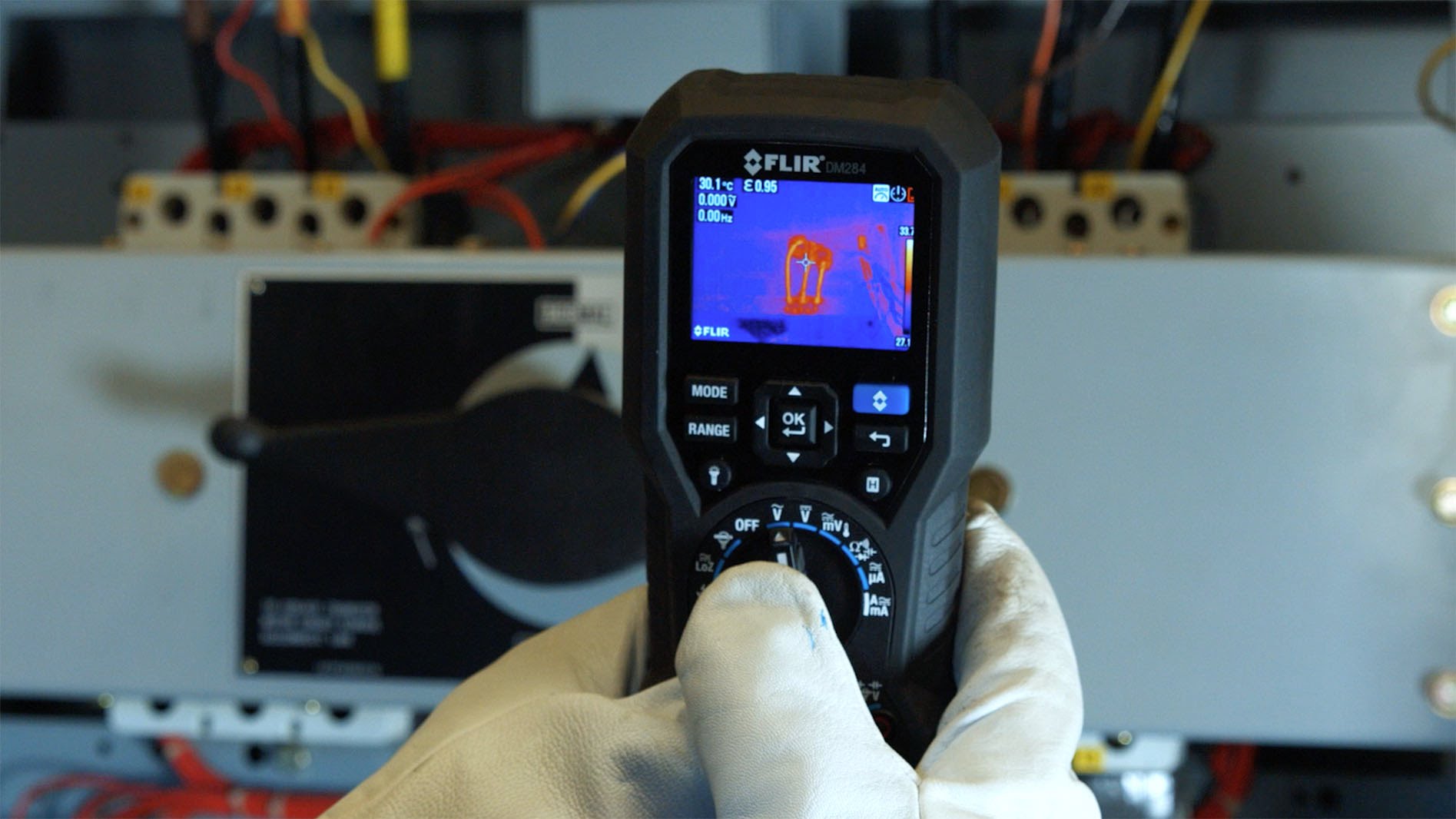

On the camera: SwitchReport
Scan a switchboard. Walk away with a finished report.
SwitchReport turns scans from a FLIR i34, i35, i64 or i65 into finished electrical reports. You set up the job and scan on the camera, then finish the report on the camera or pick it up later in your browser. Every finding in the PDF is priority-coded.
Each finding is graded 1 to 4 from its measured temperature rise. No AI sets a priority.
Click a screen to see it full size.
On site, before you scan
Set up the job on the camera
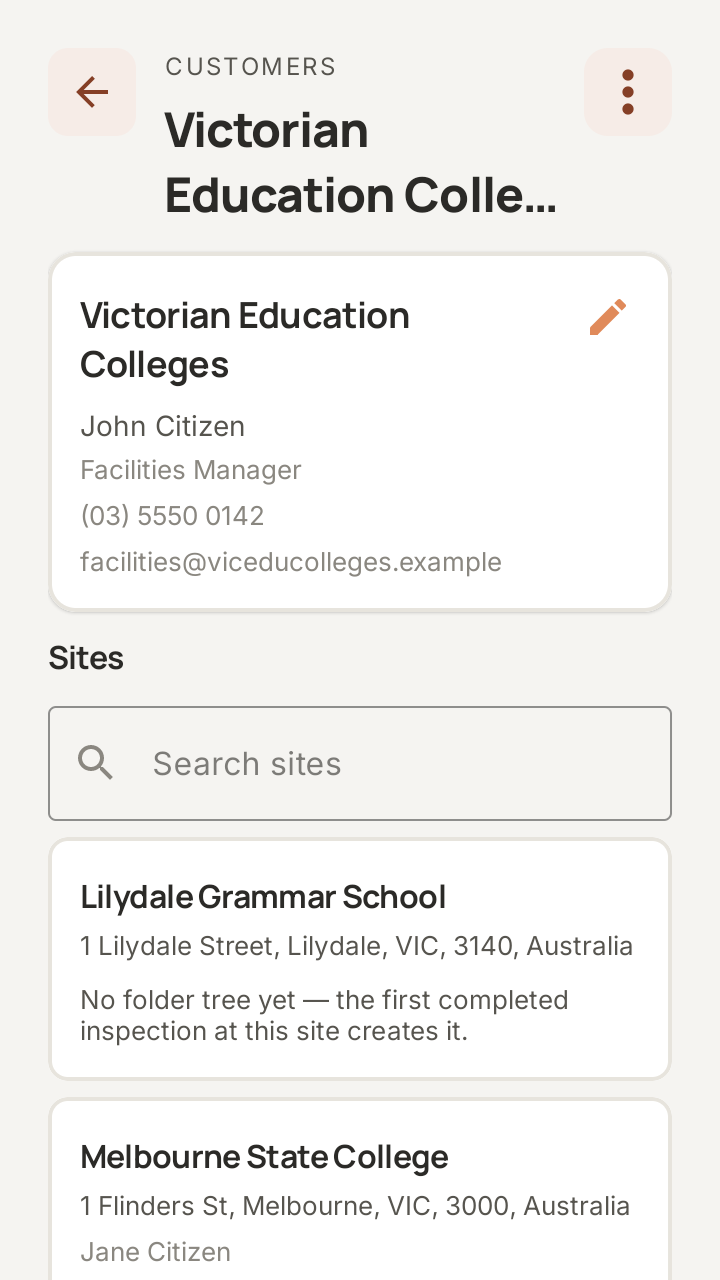
Customers and sites. Add the customer and their contact person on the camera, and give them as many sites as they have, each with its own address. Once the camera syncs, the same customer is waiting in your browser.
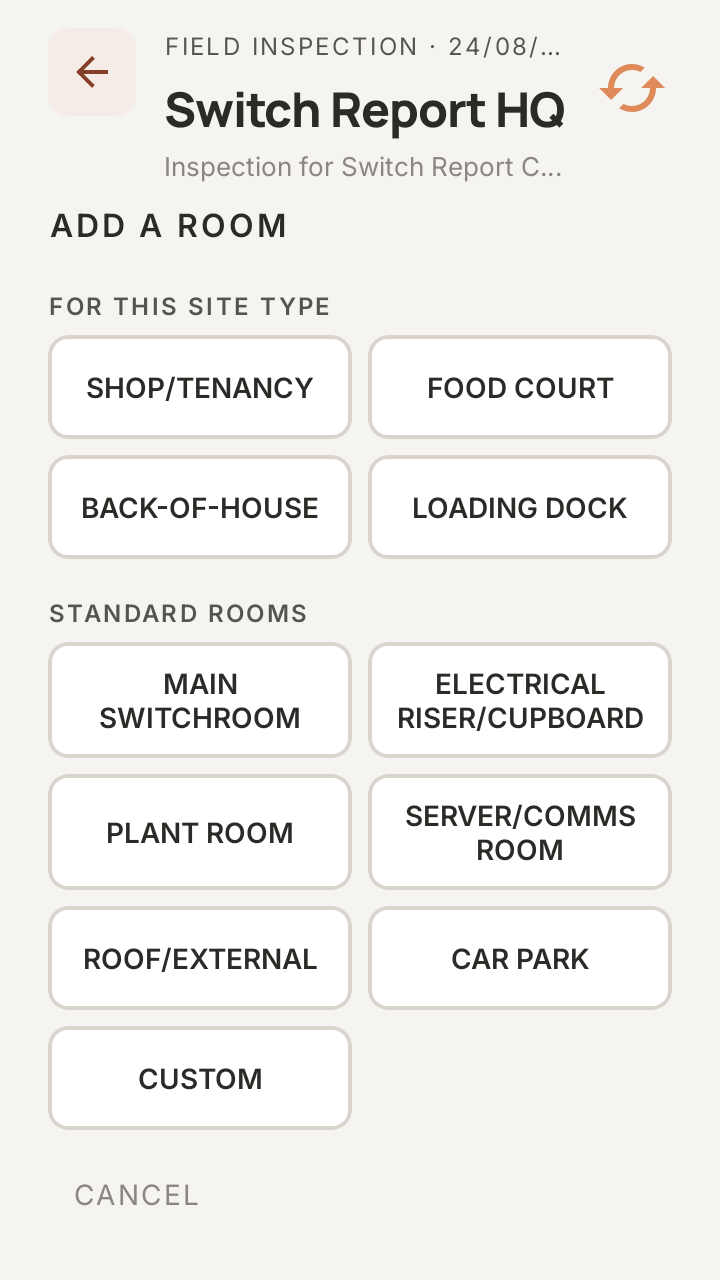
Rooms for the site type. Build the directory as you walk the site: buildings, levels and rooms. Standard rooms like Main Switchroom and Electrical Riser are always there, and each site type adds its own.
While you scan
Graded before you move on
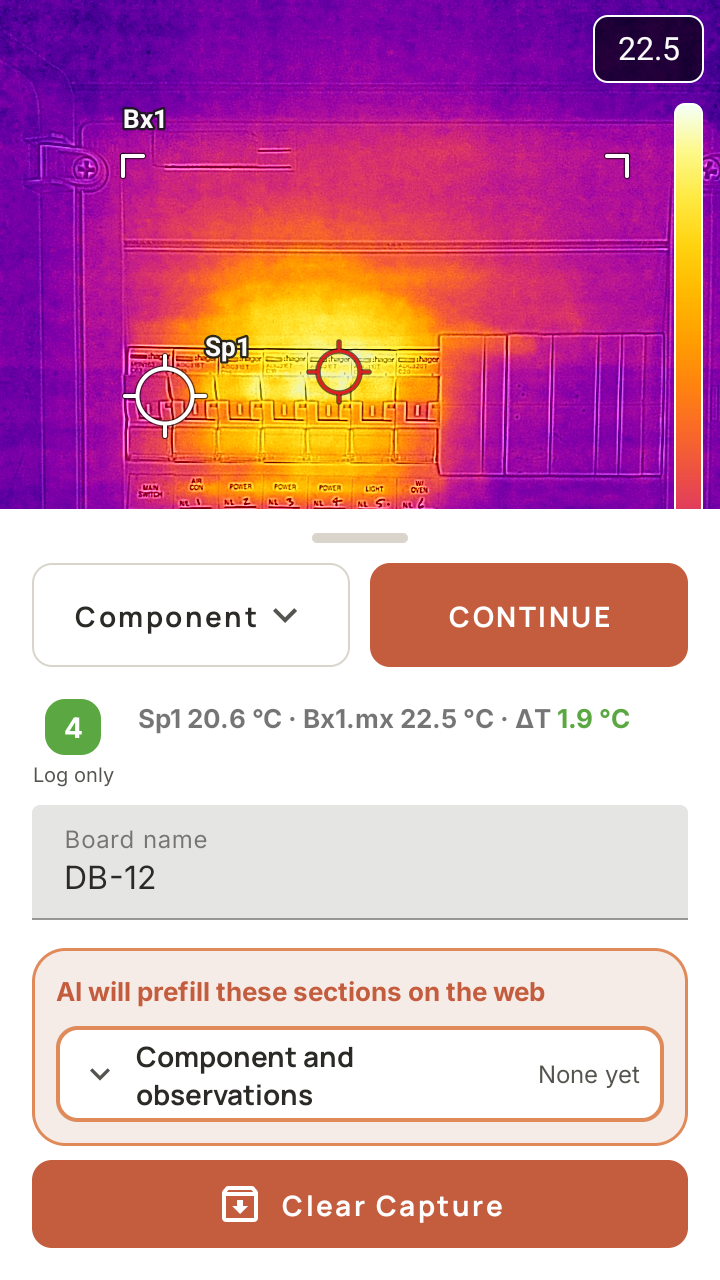
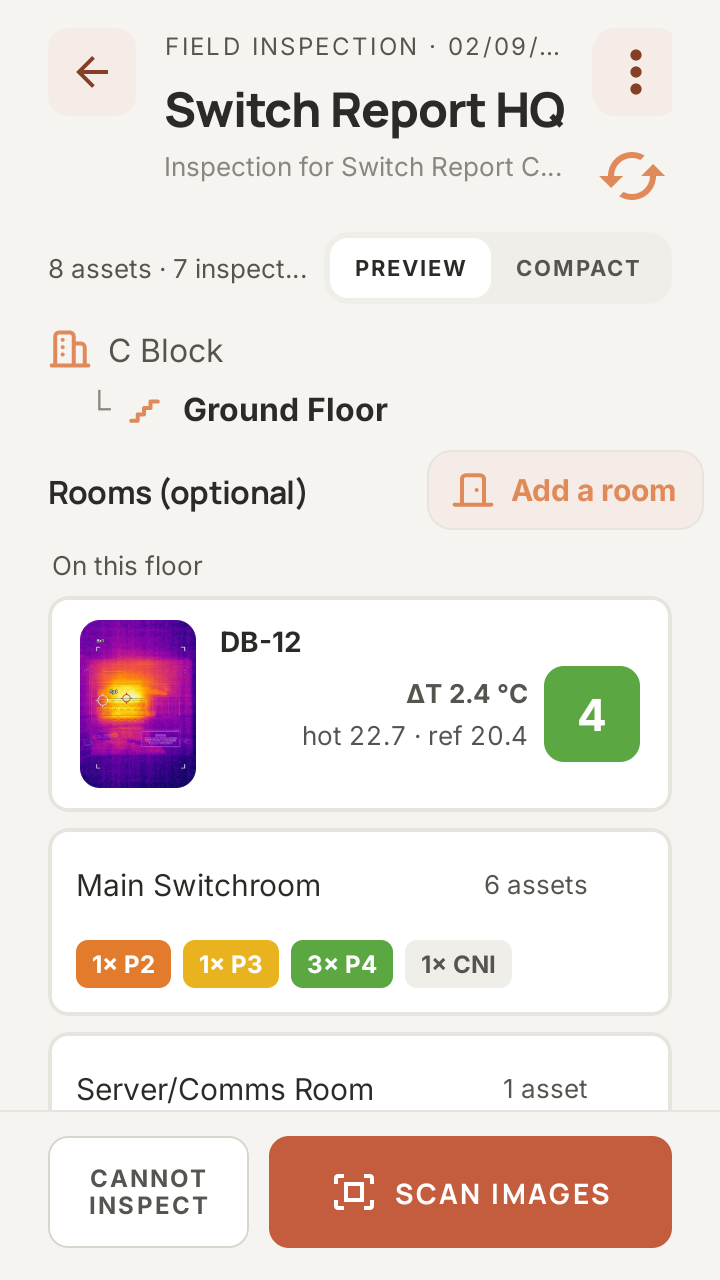
The capture screen. Scan a board and its priority comes up straight away, with the reading that produced it. Name the board and keep going. The grading is already done.
The inspection snapshot. At any point you can see the whole directory: which boards are scanned into which rooms, and each one’s priority. Rooms roll their findings up, so you can see where the problems are at a glance.
Click a screen to see it full size.
Back at your desk, on Plus
The wording is drafted for you
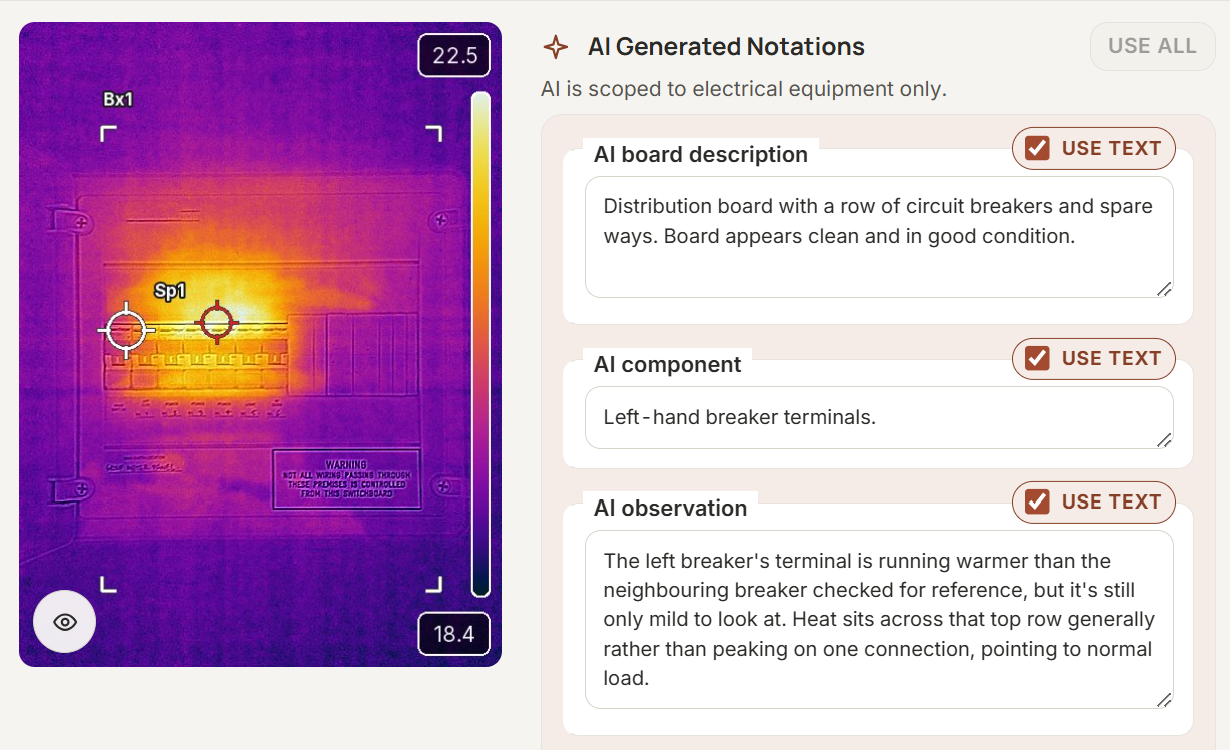
On the Plus plan, AI drafts the board description, the component and the thermal observation for each finding. You read each one, change it if you need to, and tick it to use it.
What your customer gets
A report laid out for the reader
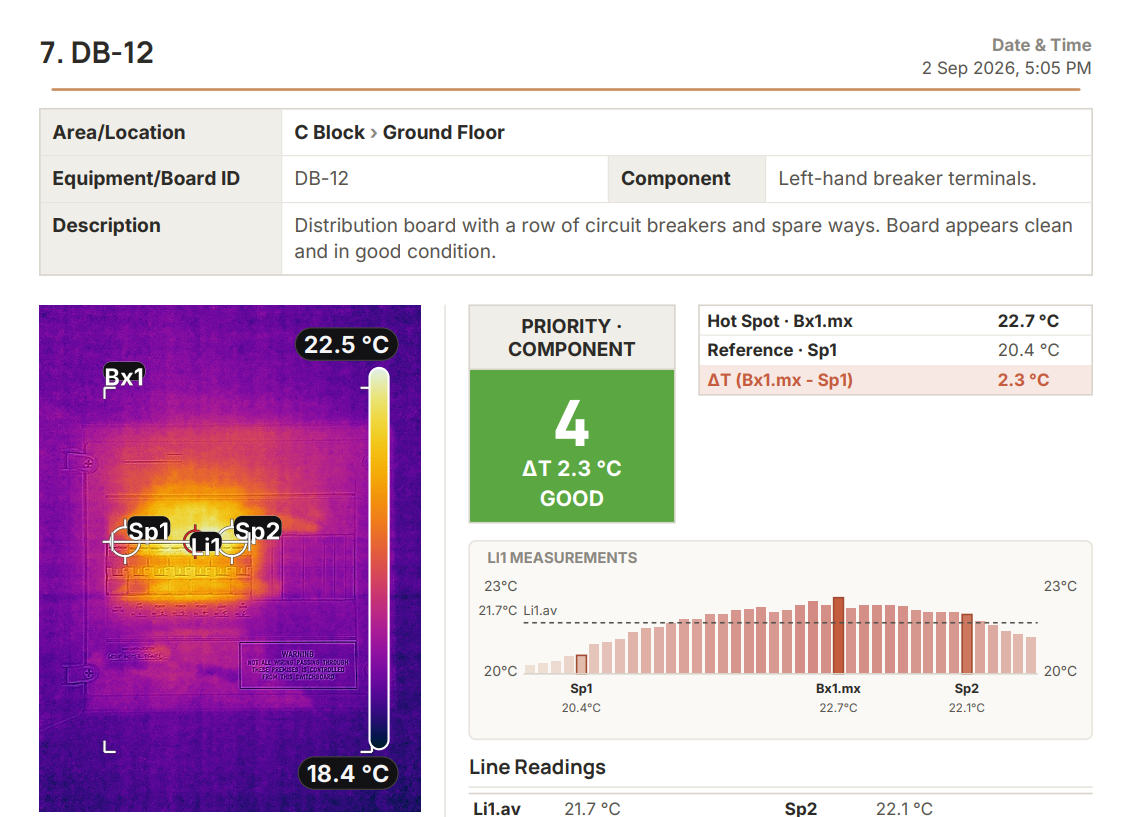
Every board gets its own page: where it is, the board and component, the thermal image with its markers, the measured ΔT and the priority. Your logo goes on every report.
Your report, matched to your own documents
SwitchReport’s bespoke add-on rebuilds your report so it matches the documents you already use, in your own layout. It’s for Plus subscribers, quoted per document set, and includes one free revision a year.
What you need: a FLIR i34, i35, i64 or i65 and a SwitchReport subscription. We sell all four cameras, each with free training.
See SwitchReport and its plansShop the iXX cameras
Using SwitchReport doesn’t make a report compliant with any standard. Check the priority coding meets what your client or insurer needs before you send a report.